
Most CPQ rollouts don’t fail because the rules are wrong. They stall because what users see doesn’t answer the question in their head. A heavy machinery buyer wonders, “Will it fit, connect, and pass inspection?” A homeowner buying a compact elevator wonders, “Will it look beautiful in my space?” Those are different decisions—and they require different visuals.
When Visualization Drives Adoption
Not all product visualization is created equal. Put a glossy 3D render in front of a plant engineer and they’ll still call someone to check flange heights. Show a homeowner a technical wireframe and you’ve lost them before they’ve picked a finish. The mismatch is subtle but costly: the wrong visualization type suppresses conversion, fuels back-and-forth, and erodes trust in your CPQ.
In practice, you’re choosing between two distinct tools that serve two distinct jobs:
- Parametric “sales CAD”: dimensionally faithful, web-ready drawings for footprint checks, clearances, and connection points.
- Photorealistic 3D renders: high-fidelity visuals for finishes, lighting, and the feel of the product in context.
Both are valuable. Each shines at a different moment in the sales journey. Confusing the two is how good CPQ logic ends up underused.
Two Visuals, Two Different Jobs
Consider two common scenarios.
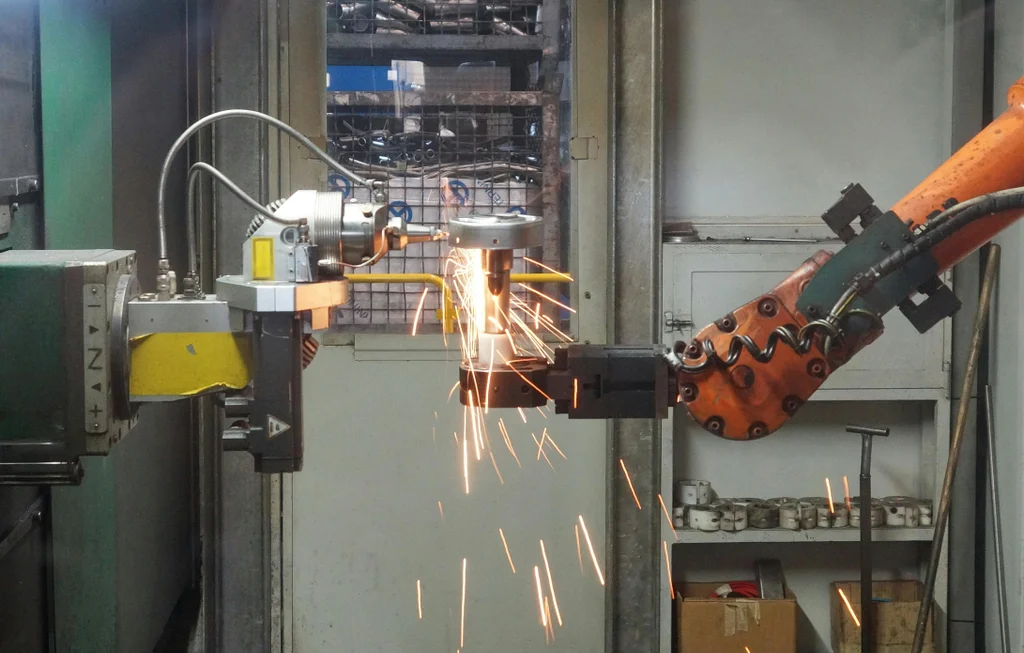
Heavy machinery or industrial equipment: The buyer needs to verify envelope, service clearances, bolt patterns, and utility tie-ins. Here, the right tool is sales CAD: a parametric, dimensionally accurate depiction that updates as configuration choices change. It shows what matters—outer dimensions, centerlines, nozzle positions, cable glands—without dragging full CAD assemblies across the wire. It’s fast, authoritative, and unambiguous.
Home elevator or showroom-grade fixtures: The buyer is weighing oak vs. walnut, matte vs. gloss, ambient light and color harmony. Here, the right tool is a photorealistic 3D render. It conveys texture, grain, reflection, even how the product sits within an interior. It answers an emotional question: “Will I love how this looks?”
Visualization isn’t decoration; it’s how your buyer decides.
Analyst firms like Gartner and McKinsey have documented the shift to digital self‑service in B2B. As more buyers make decisions before speaking to sales, visual clarity becomes a proxy for product certainty. If the visualization doesn’t resolve the buyer’s core doubt, they hesitate—or worse, they abandon.
Why This Choice Matters Now
Three shifts have made visualization strategy a first-order CPQ decision:
- Omnichannel is table stakes. Dealers, inside sales, architects, and end customers all touch the same configuration logic. Each audience has different visual needs and device constraints.
- Speed expectations are unforgiving. A 300ms update feels instant; a 3-second redraw suggests instability. Photorealism has a compute cost. Parametric drawing engines have a modeling cost. Choose knowingly.
- Single-source logic is non-negotiable. If your visual diverges from your rules, you’ve created maintenance debt. Get the right visual on the right API, and you avoid double maintenance.
A Practical Selection Framework
Use this simple set of questions to align visualization to the job.
1) What decision does the visual need to enable?
- Technical validation: Verify fit, compliance, connection points, safety zones. That’s sales CAD.
- Aesthetic selection: Compare finishes, colors, lighting, and ambience. That’s photoreal 3D.
2) Where in the buyer journey does it appear?
- Discovery: Keep it light. Photoreal hero shots and simplified selector views reduce friction.
- Evaluation: Switch on parametric detail for dimensional accuracy, clearances, and data sheets.
- Quote approval: Pair a concise executive summary with the right visual artifact: a stamped footprint for industrial deals, a polished render for design-led purchases.
- Installation planning: Deliver annotated sales CAD with references to standards and mounting heights.
3) Who is the primary user?
- Engineers/contractors: Need authoritative drawings that survive jobsite scrutiny.
- Homeowners/designers: Need confidence the product complements the space.
- Dealers/inside sales: Need both—an engaging front door and a credible back room.
4) What data must the visual respect?
- BOM/logic (CPQ): Ensure the visual consumes the same rules that produce pricing and manufacturing outputs.
- Geometry (PLM/CAD): For sales CAD, model parametric outlines, not full assemblies.
- Media (PIM/DAM): For photorealism, manage textures, finishes, and lighting profiles centrally.
5) What are the latency and device constraints?
- Field and mobile: Favor lightweight parametric or pre-baked renders.
- Desktop showrooms: Photoreal interactive can shine if it stays responsive.
6) What proof artifact is required?
- Submittals and approvals: Deliver dimensioned PDFs with callouts and tolerances (sales CAD).
- Design sign-off: Deliver high-fidelity stills or a short walk‑through (photoreal 3D).
Patterns That Work
Most manufacturers end up with one of these patterns:
- Technical-first funnel (industrial): Guided selection → live sales CAD footprint → auto-generated submittal pack → quote. Photoreal only for marketing pages.
- Design-first funnel (consumerized B2B): Photoreal selector for finishes and options → light geometry guardrails → handoff to sales for footprint checks → quote.
- Dual-pane confidence (hybrid): Photoreal hero view on the left; parametric dimensions on the right. Aesthetic confidence and technical certainty, in one screen.
Integration, Performance, and Governance
Visualization succeeds when it’s tethered to truth and designed for speed.
- Single logic, multiple views. Keep product rules in CPQ. Drive both visuals off the same configuration state through APIs. That’s how you avoid double maintenance and drift.
- Model for purpose. Web‑native parametric engines render footprints from constraints—no need to stream heavy CAD. Photoreal tools should use optimized meshes and managed material libraries.
- Cache the obvious, compute the new. Pre-bake popular photoreal combinations; compute on demand for long‑tail variants. Cache parametric states for common templates.
- Version everything. Tie each visualization asset to a product and rules version. If pricing selects a new motor frame, your nozzle centerline moves with it—or it doesn’t ship.
- Security and IP. Sales CAD should expose installation truth, not crown‑jewel design IP. Strip internals; keep what the buyer must trust.
Done well, your visual layer becomes a teaching tool for new sellers, a confidence engine for buyers, and a quality gate for operations.
Who Gains—and Who Drifts into Irrelevance
Who gains: Teams that pick visuals by the job-to-be-done see faster cycle times and fewer post‑order changes. Industrial sellers that lead with sales CAD cut field-change orders because installers knew exactly what would show up. Design-led sellers that invest in photoreal reduce late‑stage “I didn’t realize it looked like that” objections and discounting.
Who drifts: Teams that bolt a single visualization onto every product. Pretty demos with no dimensions train buyers to call engineering. Dense drawings with no aesthetic feedback force buyers to imagine the result—and many won’t. Quiet failure looks like stalled trials, shadow spreadsheets, and “we’ll just quote it manually for now.”
If you’re planning omnichannel, mismatched visuals are risk multipliers. Dealers will default to old tools if they can’t prove fit. Homeowners will bounce if they can’t see finishes in context. The cure is not “more 3D.” It’s the right 3D, at the right step, powered by the same logic that prices and builds.
A final litmus test: open your configurator and ask, “What decision does this screen enable in under 30 seconds?” If the answer isn’t obvious, the visualization probably isn’t earning its keep.
From Excel-era spec sheets to AI‑assisted quoting, the throughline is unchanged: the system should help people decide. So what will your next buyer see—the confidence of a footprint that fits, or the relief of a finish that feels right?
And more importantly, which one do they need first?